

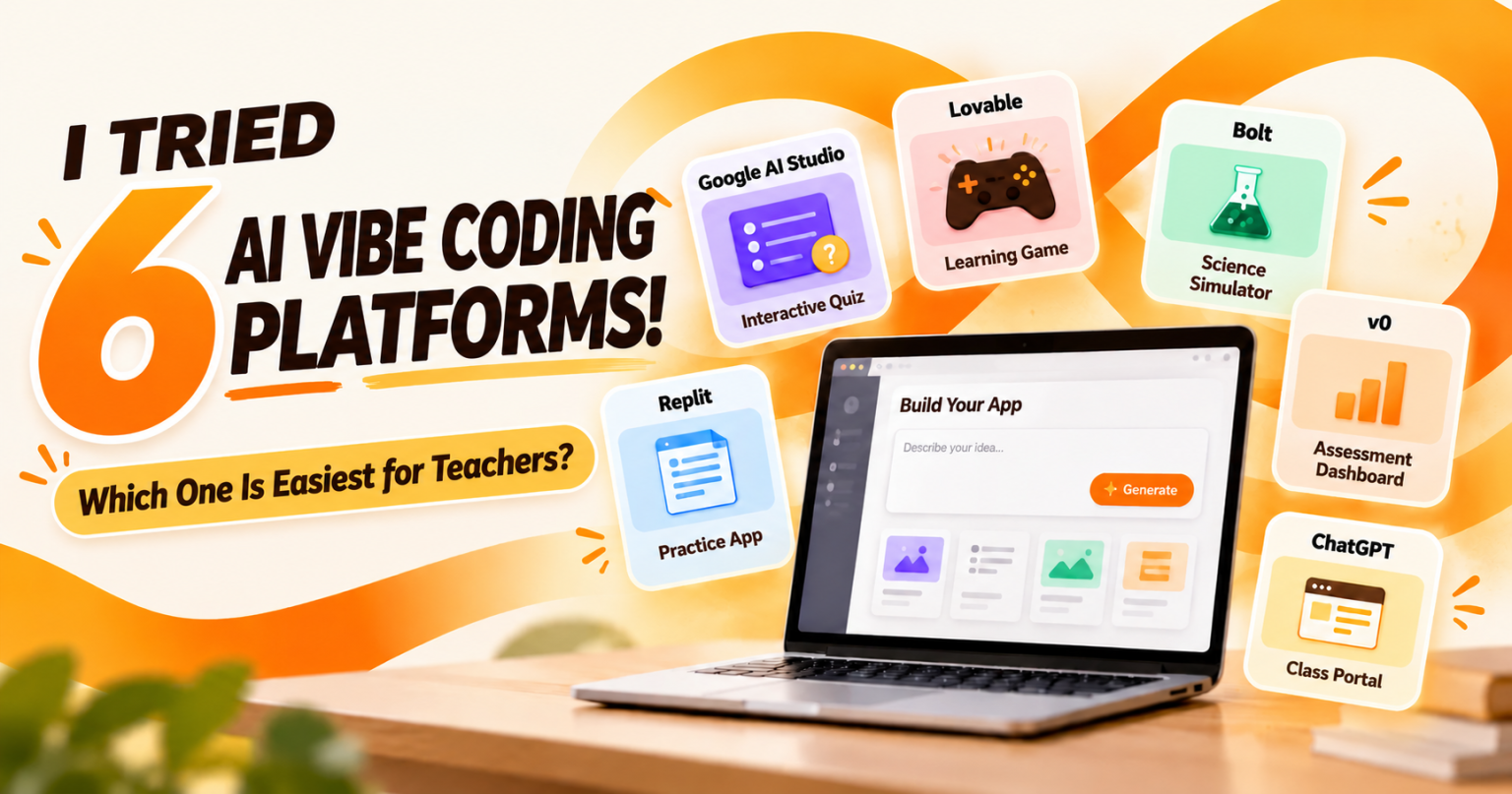
Have you ever thought about building your own quiz app, only to give up because you don’t know how to code?
Today, with AI, teachers can create applications simply by describing what they want. You no longer need to start with hundreds of lines of code.
This approach is called vibe coding. You describe the application you want, AI helps build it, and then you test, refine and improve the result.
The question is: with so many platforms available, which one is the most suitable for teachers?
Here are six interesting platforms worth exploring.
1. Google AI Studio — A great place for beginners
If you are already familiar with the Google ecosystem, this is one of the first platforms worth trying.
With its Build feature, you simply describe the application you want to create. AI then helps generate the code and provides a working preview for you to test.
Classroom idea: Create a Science quiz app with 10 questions, automatic scoring and explanations for incorrect answers.
Google AI Studio can also support applications that integrate with selected Google services.
Best for: Teachers who want to create their first application without worrying too much about the technical side.
2. Lovable — Want your app to look polished and professional?
Lovable is interesting because teachers can build applications simply by having a conversation with AI.
You can ask the AI to create a homepage, menu, forms and dashboard, then refine the design through additional instructions.
Classroom idea: Build a History revision portal where students can select a chapter, answer quizzes and receive feedback.
Lovable also provides database and application publishing capabilities, although some features depend on the subscription plan.
Best for: Teachers who value attractive design and want applications with multiple pages.
3. Bolt — Turn an idea into a web app quickly
Bolt allows you to type an idea and watch AI build a web application from it.
For example, you might want a Mathematics game that awards points whenever students answer correctly.
Give Bolt your instructions, review the result, and then ask AI to add features such as a timer, difficulty levels or a score display.
Classroom idea: Create an interactive multiplication game with three levels of difficulty.
Best for: Teachers who enjoy experimenting quickly and modifying application features as they go.
4. Replit — For teachers who want to learn a little coding too
Replit is more than a place where AI generates an application. It also provides a development environment where you can view, understand and manage the code.
With Replit Agent, teachers can describe the application they need and let AI help set up the project.
Classroom idea: Build a Physics simulator demonstrating the relationship between force, mass and acceleration.
Replit can also be useful for Computer Science students who want to understand how real applications are developed.
Best for: Computer Science, Design and Technology, STEM teachers, or anyone who wants to move from vibe coding towards understanding code.
5. v0 — Want to build a beautiful dashboard?
v0 by Vercel is particularly useful for creating application interfaces using natural-language instructions.
Teachers can ask AI to create dashboards containing information cards, charts, navigation menus and mobile-friendly layouts.
Classroom idea: Create a class dashboard containing an activity schedule, Google Classroom links and a weekly task list.
Although AI can generate the interface very quickly, features such as real data storage may require additional configuration.
Best for: Teachers who want to create dashboards, learning portals or polished application prototypes.
6. ChatGPT — Start with the idea before building the app
ChatGPT can act as a planning partner before you move to another vibe coding platform.
For example, you can ask ChatGPT to organise the application requirements, suggest a suitable interface and generate a detailed development prompt.
ChatGPT can also help write HTML, CSS and JavaScript for simple applications.
Classroom idea: Create a specification for an English vocabulary practice app, then use that specification in Google AI Studio or Bolt.
Best for: Teachers who are not yet sure how to turn a classroom idea into an application.
So, which one is the easiest?
For teachers who are just getting started, I would recommend Google AI Studio as the first option. It works through natural-language instructions, and the resulting application can be previewed immediately.
If visual design is more important to you, try Lovable or v0. For activities involving programming and code exploration, Replit is another interesting choice.
A quick comparison of the 6 platforms
| Platform | Main strength | Suggested use |
|---|---|---|
| Google AI Studio | Prompt-based prototyping | Quizzes and simple classroom apps |
| Lovable | Application design and user flow | Revision portals |
| Bolt.new | Rapid application development | Educational games |
| Replit | AI with a coding environment | Simulators and Computer Science projects |
| v0 | Interfaces and dashboards | Learning dashboards |
| ChatGPT | Planning, prompting and coding | Designing your first application |
The best platform is not necessarily the one with the most features. Choose the platform that helps you solve a learning problem in the simplest and most practical way.
Try your first prompt!
Copy this prompt into your chosen platform:
Build an interactive web-based quiz application for Year 9 Computer Science students. Include 10 multiple-choice questions with four answer options, automatic feedback and a final score display. Use a cheerful, student-friendly design and make sure the application works well on both smartphones and computers. Do not collect students’ personal data.
Once the application is ready, test every question and feature before using it in class.
Remember, AI can help build the application, but the teacher still determines its pedagogical value.
Start with one small application. It does not need to be perfect — it just needs to work and help students learn.
— Cikgu Siber